Install on Windows
- Install mariadb.
Download mariadb installer - https://downloads.mariadb.org/mariadb/10.2.21/
Install mariadb. In the window, when installing, set the password for root.

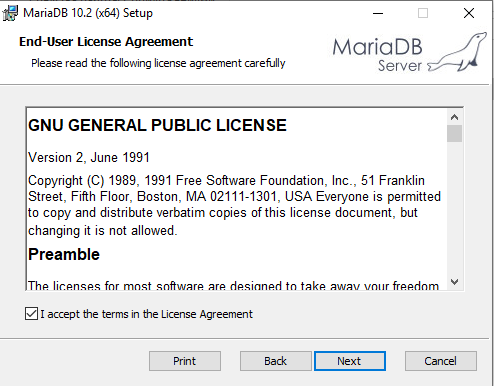
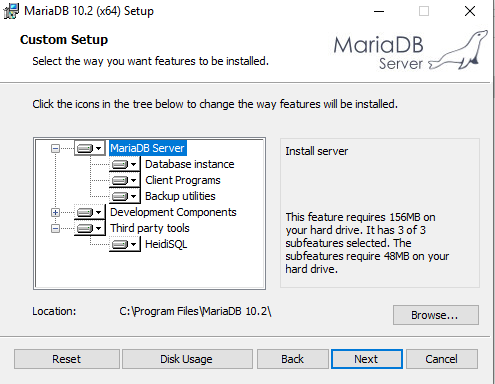


- After installation, start the command line and change the directory.
cd C:\Program Files\MariaDB 10.2\bin

- Connect to mariadb.
mysql -u root -p

- Create a database and user macmonitor with a password macmonitorpass (replace the password with the one created by you) with all the privileges on this database.
CREATE DATABASE macmonitor CHARACTER SET = "latin1" COLLATE ="latin1_swedish_ci";
GRANT ALL ON macmonitor.* TO macmonitor@127.0.0.1 IDENTIFIED BY 'macmonitorpass';
exit

- Download and run the installer of Network MACMonitor and follow the installation steps.
- After installation, change spring.datasource.password parameter in C:\Program Files\Network MACMonitor\macmonitor\config\custom.properties to the password that was created in step 4.

- Go to Start->Programs->Network MACMonitor and run Network MACMonitor Properties.

- Click Start.
- Wait a few minutes. Log in to the program using link http://<ip address>:8080
User — admin
Password — admin

Note
If for any reason the program has not started, you can view logs in the directory C:\\Program Files\Network MACMonitor\macmonitor\logs.